


Casualself - Health, Beauty, Law, Finance and More
Saturday, April 25, 2026
  • Home
  • Beauty
  • Fashion
  • FitZone
  • Home & Decor
  • Garden
  • Travel
  • More
    • Hobbies & Leisure
    • Pets
    • Psychology
    • Relationship & Family
No Result
View All Result
  • Home
  • Beauty
  • Fashion
  • FitZone
  • Home & Decor
  • Garden
  • Travel
  • More
    • Hobbies & Leisure
    • Pets
    • Psychology
    • Relationship & Family
No Result
View All Result
Casualself - Health, Beauty, Law, Finance and More
No Result
View All Result
Home Hobbies & Leisure

Improve Your WiFi at Home

Briar A. Molinaro by Briar A. Molinaro
November 11, 2024
in Hobbies & Leisure
Reading Time: 2 mins read
A A
0
2.8k
SHARES
15.8k
VIEWS
Share on FacebookShare on Twitter

Are Slow Internet Speeds Bringing You Down?

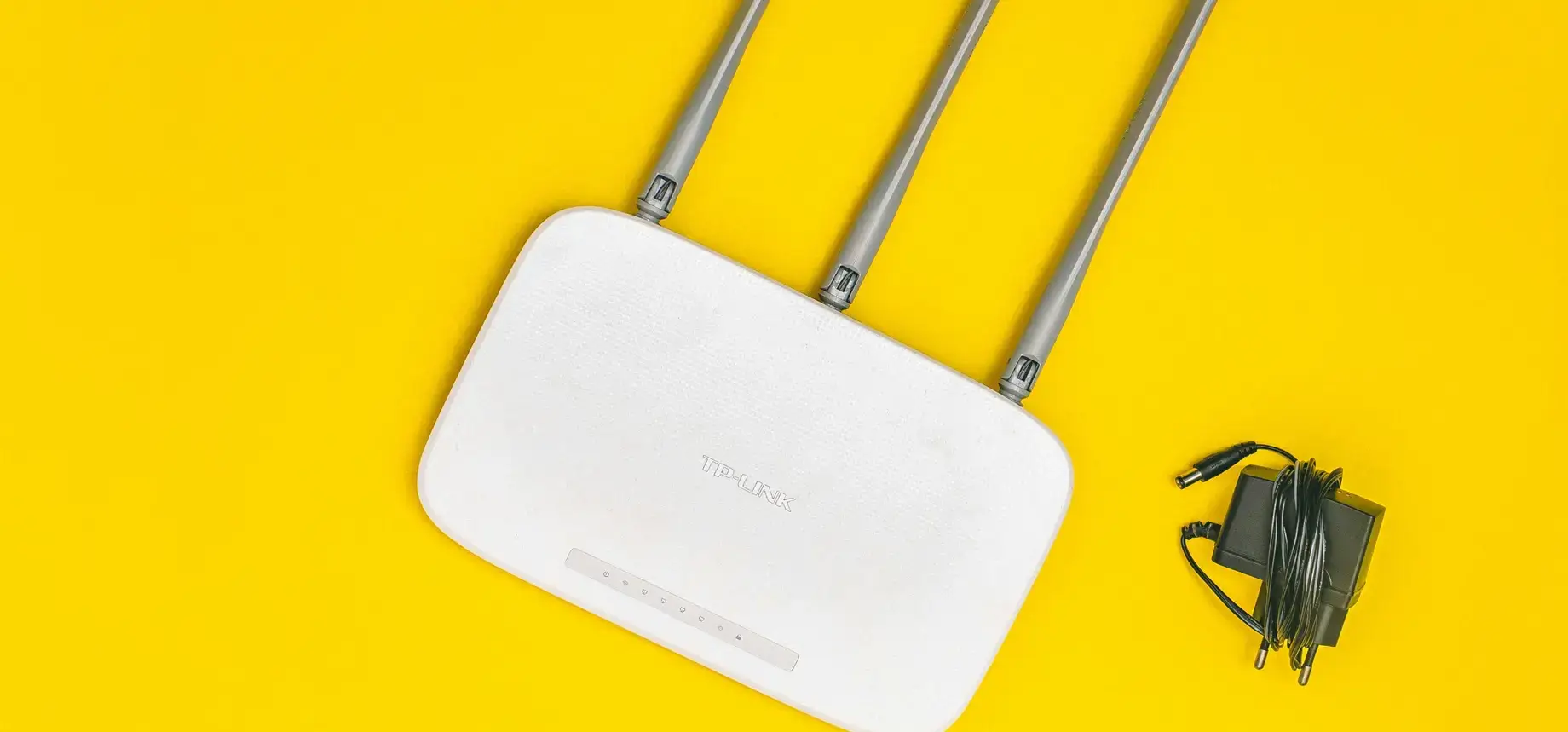
In today’s connected world, a stable and fast internet connection is crucial. Whether you’re working from home, gaming, streaming your favorite shows, or just browsing, nothing can be more frustrating than a sluggish WiFi connection. Thankfully, with a few adjustments and enhancements, you can significantly improve your WiFi performance at home.

You might also like

The Hidden Habits That Are Draining Your Energy Daily

7 Subtle Habits That Are Quietly Draining Your Energy Every Day

First Signs of Lymphedema

Weekly Horoscope: Navigate the Cosmos with Confidence

Optimal Router Placement

The placement of your router can have a huge impact on your WiFi signal. Ideally, place your router in a central location, away from walls and obstructions. Elevate the router on a shelf or desk to maximize coverage. Avoid placing it near metal objects or electronic devices such as microwaves that can interfere with the signal.

Update Your Router’s Firmware

Router manufacturers often release firmware updates to improve performance and security. Check your router settings regularly for any available updates. Ensuring your router runs the latest firmware can resolve connectivity issues and improve speed.

Change the Channel

WiFi channels can become crowded, especially in densely populated areas. Most routers have a setting to change the channel under the WiFi settings. Experiment with different channels to see which one provides the best signal strength and speed.

Upgrade Your Equipment

If you’re using an old router, it might be time for an upgrade. Newer models offer faster speeds, better range, and improved reliability. Consider a dual-band router that can handle both 2.4GHz and 5GHz frequencies for better performance and less interference.

Use WiFi Extenders or Mesh Networks

If parts of your home suffer from poor connectivity, consider using a WiFi extender or a mesh network system. These devices can help extend your network’s reach, ensuring you maintain a strong signal throughout your entire home, even in those hard-to-reach corners.

Secure Your Network

A secured network not only protects your data but also prevents unauthorized users from hogging your bandwidth. Ensure your WiFi is protected with a strong password using WPA3 encryption if available.

Manage Your Bandwidth

With multiple devices connected to your network, bandwidth can become a precious commodity. Use your router’s Quality of Service (QoS) settings to prioritize bandwidth for the most important devices or tasks, such as video conferencing or streaming.

Reduce Interference from Other Devices

Devices such as cordless phones, baby monitors, and Bluetooth speakers can interfere with your WiFi signal. Try to keep these devices a safe distance away from your router. Also, use the 5GHz frequency where possible, as it’s less prone to interference and typically offers faster speeds.

Regularly Restart Your Router

Like any electronic device, your router can benefit from a simple restart. Rebooting your router every month or so can clear out any glitches and refresh the network. If your router becomes sluggish or unresponsive, a quick power cycle might be just what it needs.

Final Thoughts

Improving your WiFi doesn’t have to be complex or costly. With these simple yet effective steps, you can enhance your home network’s performance, ensuring a seamless and speedy online experience. Explore these methods, and say goodbye to WiFi woes for good!


Tags: internetNetworkingWiFi
Share1136Tweet710Share199Pin256Share
Briar A. Molinaro

Briar A. Molinaro

Briar is a seasoned beauty guru with a flair for creativity and innovation. His journey in the beauty industry has been defined by a commitment to self-expression and the exploration of diverse aesthetics. Through his work, he inspires others to embrace their unique beauty and experiment fearlessly with makeup and skincare.

Related Posts

Hobbies & Leisure

The Hidden Habits That Are Draining Your Energy Daily

by ca.team
April 24, 2026
Hobbies & Leisure

7 Subtle Habits That Are Quietly Draining Your Energy Every Day

by Anne Morales
April 20, 2026
Hobbies & Leisure

First Signs of Lymphedema

by Kristin Weinberger
April 20, 2026
Hobbies & Leisure

Weekly Horoscope: Navigate the Cosmos with Confidence

by Katherine King
April 17, 2026
Hobbies & Leisure

D2 or D3: What Is Good for You Now?

by Deborah Kinsey
April 15, 2026
0 0 votes
Article Rating
Subscribe
Notify of
guest
guest
0 Comments
Oldest
Newest Most Voted
Inline Feedbacks
View all comments

Recommended

50 Ornamental Garden Trees Overview

May 17, 2025

ZIAD NAKAD Spring 2026 Couture

February 4, 2026

Fasting – Facts

February 21, 2025

R.L.E Spring 2025 Looks

February 16, 2025

TILT Beauty Lip Combos

February 22, 2026

Don't miss it

Hobbies & Leisure

The Hidden Habits That Are Draining Your Energy Daily

April 24, 2026
Fashion

10 Simple Ways to Upgrade Your Everyday Lifestyle

April 24, 2026
Fashion

MIART 2026 Fashion Chronicle

April 24, 2026
Fashion

IDOL JOSE Art Hearts Fall 2026 NYC

April 24, 2026
Beauty

Full Face Makeup Using Old Favorites

April 24, 2026
Garden

Gardenias: Planting, Care, and Varieties

April 24, 2026
CasualSelf.com

A daily lifestyle publication that covers health, beauty, fashion, entertaining, food, style, travel.

Categories

  • Beauty
  • Education
  • Fashion
  • Garden
  • Hobbies & Leisure
  • Home & Decor
  • Pets
  • Psychology
  • Relationship & Family
  • Travel

Pages

  • Home
  • About Us
  • Privacy Policy
  • Contact Us

Network

  • Coolinarco.com
  • MagnifyPost.com
  • SportBeep.com
  • EconomyLens.com
  • MachinaSphere.com
  • TodayAiNews.com
  • Fit.CasualSelf.com
  • Sport.CasualSelf.com
  • VideosArena.com

© 2026 CasualSelf.com - A daily lifestyle that covers health, beauty and many others.

No Result
View All Result
  • Home
  • Beauty
  • Fashion
  • FitZone
  • Home & Decor
  • Garden
  • Travel
  • More
    • Hobbies & Leisure
    • Pets
    • Psychology
    • Relationship & Family

© 2023 CasualSelf.com - a daily lifestyle publication that covers fashion, entertaining, food, style, travel, health.